
- Cybersecurity
- Network Security
The Hidden Vulnerabilities of Public Wi-Fi: Why Open Networks Are a Trap
By Pivithuru Milan Perera6 min read
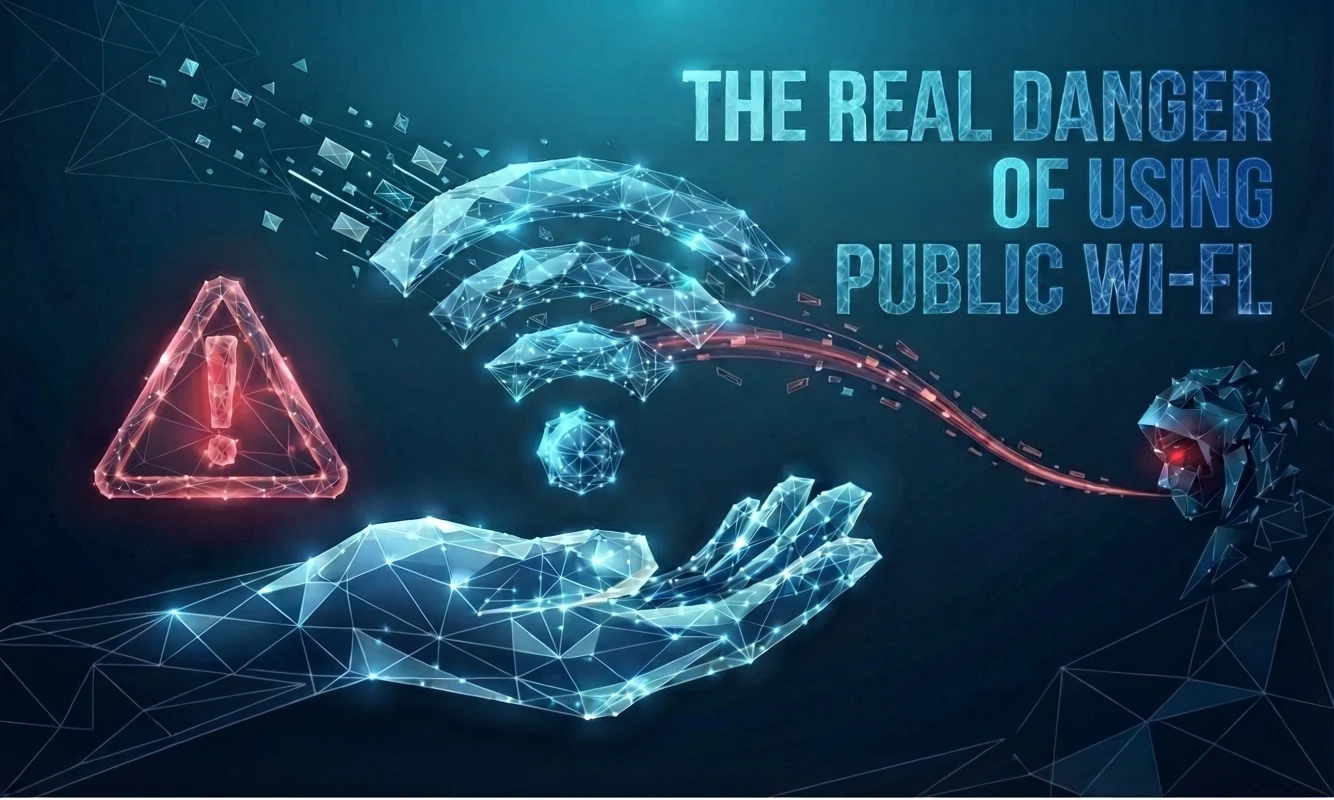
Public and unsecured Wi-Fi networks offer undeniable convenience, but treating them as harmless digital spaces is a dangerous gamble. Because these networks are left uncontrolled by design, they create an ideal hunting ground for malicious actors. When the entity running the network remains anonymous and untrusted, every piece of data traversing that connection instantly becomes vulnerable to interception and abuse.
Security investigations consistently trace unauthorized account takeovers and sudden data leaks back to public hotspot sessions. Users rarely fall victim because they accidentally downloaded malware. Instead, breaches happen because hackers exploit the invisible trust gaps and wide-open visibility native to these shared wireless environments.
The Fundamental Flaw of Open Networks
Public hotspots strip away two vital safety barriers right from the start. First, you surrender all control over the underlying network infrastructure. Second, you have zero visibility into who else is sharing that exact same connection.
This lack of control turns a casual coffee shop network into a quiet listening post for cybercriminals. Without proper infrastructure security, your digital footprint sits wide open for anyone paying attention.
Threat Vector #1: Hijacking Active User Sessions
Instead of attempting to crack or guess complex passwords, attackers frequently target active session tokens as a shortcut into your accounts.
This method succeeds because modern applications prioritize convenience, keeping users logged in for days or weeks at a time. Once a legitimate session is established, multi-factor authentication checks are effectively bypassed.
The consequences are severe. Hackers slip into personal and corporate email accounts, cloud platforms, and internal portals without triggering reauthentication prompts, security alerts, or visible red flags. Session theft operates quietly, quickly, and devastatingly.
Threat Vector #2: Man-in-the-Middle Interception
In a classic Man-in-the-Middle scenario, an adversary quietly wedges themselves directly between your laptop and the web. They accomplish this by setting up rogue access points disguised as "Free Guest Wi-Fi," executing ARP spoofing on open networks, or abusing weak encryption standards.
The fallout includes live traffic sniffing, captured credentials, and altered web content. Even modern HTTPS encryption cannot block every form of interception, making public Wi-Fi a terrible gamble for anyone handling sensitive data.
Threat Vector #3: Credential Harvesting via Counterfeit Portals
Fake landing pages trick unwary users by mimicking authentic login screens or captive portals. Because people encounter real captive portals constantly on public networks, they naturally expect to type in credentials to get online.
This deception yields stolen email, VPN, or cloud passwords, leading to instant account takeovers. It functions essentially as targeted phishing, completely bypassing the email inbox.
Threat Vector #4: Local Device Discovery and Lateral Movement
On flat, unsecured networks, your machine becomes visible to every other device logged into the router. This visibility enables bad actors to scan your open ports, target vulnerable background services, and probe for unpatched operating system flaws.
The resulting damage ranges from malware injection and unauthorized remote access to complete credential dumping. Open networks invite lateral movement.
(** Do you think this is impossible for someone without an IT background? Keep in mind that many port-scanning tools, malware, and other hacking tools are freely available to the general public. You don’t need to be an IT professional to access or use them. So, never assume that you are completely secure, anyone can potentially become a target.**)
Threat Vector #5: Manipulating Domain Name Systems (DNS)
Hackers can tamper with DNS query responses on public routers to silently redirect your browser to malicious lookalike domains. Because the fake login portals look identical to the real thing and the web addresses appear normal, these DNS exploits are exceptionally hard to spot in real time.
The end results include silent credential theft, automated malware distribution, and long-term network infiltration.
Threat Vector #6: Passive Traffic Observation
Sometimes attackers choose not to tamper with your connection directly, relying instead on passive monitoring. They quietly listen to the traffic stream to catalog the domains you visit, the apps you run, and metadata regarding your active connections.
This collected intelligence fuels hyper-targeted follow-up attacks, refines social engineering schemes, and leaks valuable personal or organizational insights. Even fully encrypted traffic gives away critical contextual clues.
Threat Vector #7: Weak, Shared, or Absent Encryption
Unsecured wireless networks frequently lack encryption entirely, or they rely on widely shared passwords and obsolete protocols.
This absence of cryptographic defense leads directly to data sniffing, device fingerprinting, and a high success rate for automated exploits. Proper encryption guards data in transit, but public spaces routinely sacrifice it.
Why Multi-Factor Authentication Falls Short
Multi-factor authentication is crucial for security, but it only guards the front door. It offers zero protection against active session hijacking, stolen authentication tokens, or cookie replay.
If verification only happens at the initial login step, clever attackers simply bypass the barrier by walking away with your active session. Relying solely on login MFA creates a false sense of security.
The Amplified Risk for Remote Professionals
Public hotspots routinely expose professional mailboxes, enterprise cloud storage, internal dashboards, and remote access keys. A single compromised session can easily trigger severe data exposure or compromise your entire digital ecosystem.
The widespread shift toward remote and hybrid work models multiplies this personal and professional vulnerability exponentially.
Building Real Defense Against Public Wi-Fi Risks
Mitigating these hazards requires layered technical safeguards rather than simply hoping to avoid public networks altogether. Effective defenses include enforcing strict VPN tunnels or secure workspace apps, alongside short-lived user sessions that require frequent revalidation.
You should also implement phishing-resistant MFA, rigorous endpoint patching policies, and continuous monitoring for anomalous user behavior. Avoidance helps temporarily, but solid architecture provides permanent protection. (** If you are using the right endpoint protection software, it can detect suspicious activities such as attempts to scan the open ports on your device. This is just one example of how endpoint security can help protect your system. Using the right security software is one of the most important steps you can take to protect your devices, data, and overall digital security.**)
When Public Hotspots Become Critical Hazards
You should strictly refrain from accessing sensitive platforms when dealing with open or unnamed networks, when strange captive portals pop up unexpectedly, or when browser security warnings appear.
If you would hesitate to plug a critical server into an unverified network, you should never trust that same network with your personal identity or credentials.
A Straightforward Reality Check
Your security risk remains dangerously elevated if you use public Wi-Fi without secure tunnels or endpoint protection software, permit sessions to linger indefinitely, leave endpoints unmanaged, or treat MFA as an optional checkbox.
These vulnerable setups are widespread and easily monetized by modern threat actors.
My personal Thought
The risks of using public and unsecured Wi-Fi networks are very real. Attackers can take advantage of these networks because they often lack the security controls needed to protect users and their data. Individuals and organizations should always assume that a network could be compromised and take appropriate security measures, such as using endpoint protection, encryption, VPNs, and strong authentication. Just relying only on passwords is not enough to keep your devices and data secure.
Keep reading
More articles
Explore other writeups on network security, firewalls, and practical engineering.
what is wireshark and why it is used ? (Part 1)
Wireshark is a network protocol analyzer that allows us to capture and inspect network packets as they travel between devices. Instead of simply looking at whether a connection works or fails, Wireshark allows us to look inside the communication and understand what is happening at the packet level.

Reflecting on My BSc (Hons) in Information Technology Specializing in Computer Systems & Network Engineering at SLIIT (2021–2025)
When I look back at my journey starting from July 2021 all the way to completing my final requirements, enrolling in the BSc (Hons) in Information Technology specializing in Computer Systems and Network Engineering (CSNE) at the Sri Lanka Institute of Information Technology (SLIIT) was one of the most defining choices of my professional life.

Urgent Security Alert: Active Exploitation of SonicWall SMA1000 Vulnerabilities Threatens Enterprise Infrastructures
Enterprise environments are facing significant security threats after the confirmation that ransomware operators are actively exploiting two high-severity zero-day vulnerabilities affecting SonicWall Secure Mobile Access (SMA) 1000 appliances.

VLAN Basics: Why We Split One Switch Into Many
Tags, ports, PVIDs, and trunks explained from the ground up, starting with the problem VLANs actually solve